
Space for
everything.
A calmer home for your files.
Powered by Telegram. Hosted by you.
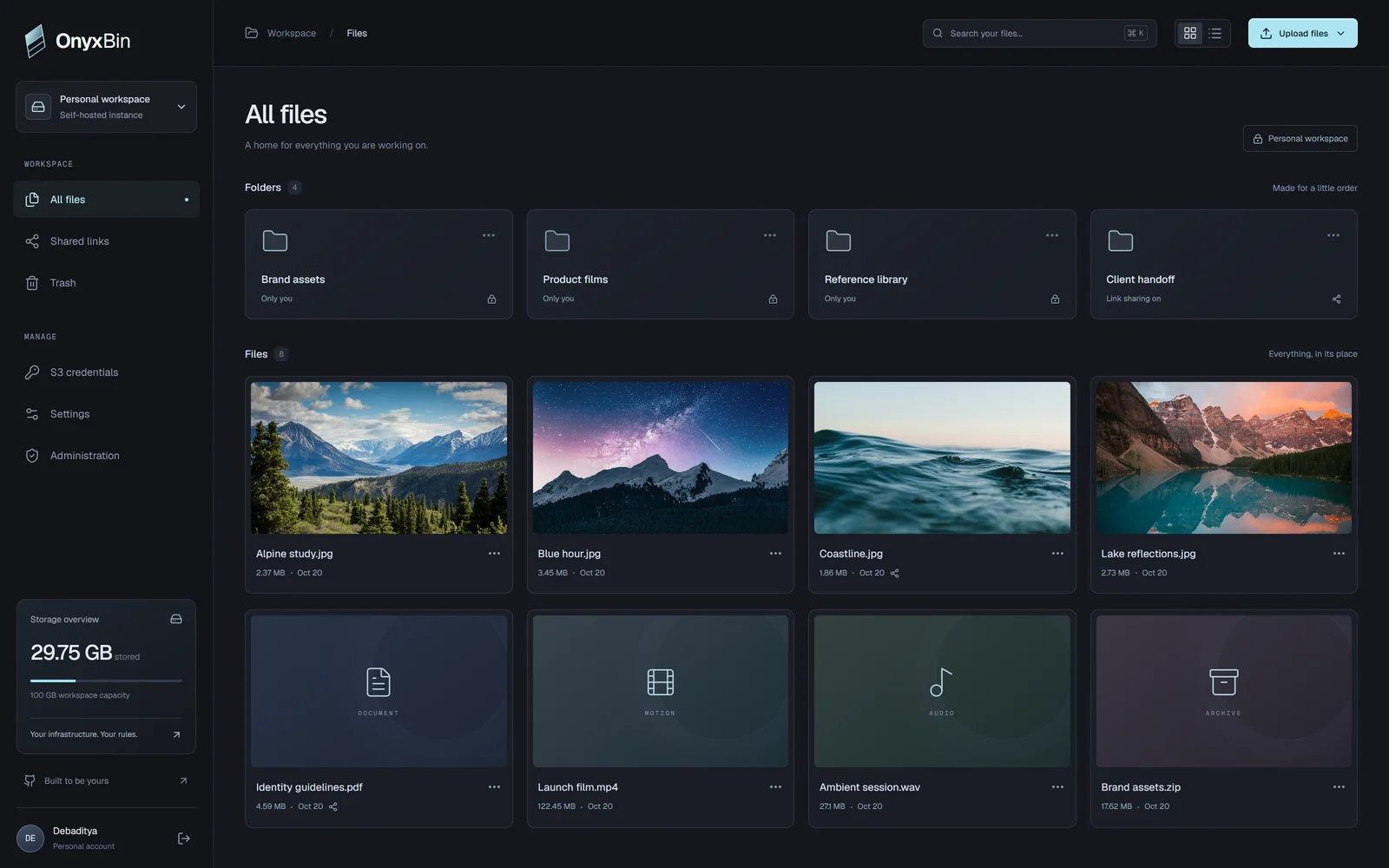
A different kind of cloud.
Yours from the start
Your bot. Your storage.
Works with your tools
All your files.
Finally in their element.
The little details of a good file manager.
The freedom of running it yourself.
A place for every project.
Folders, visual previews, and a workspace that feels familiar from the first file.
Everything you need.
Nothing between you and your files.
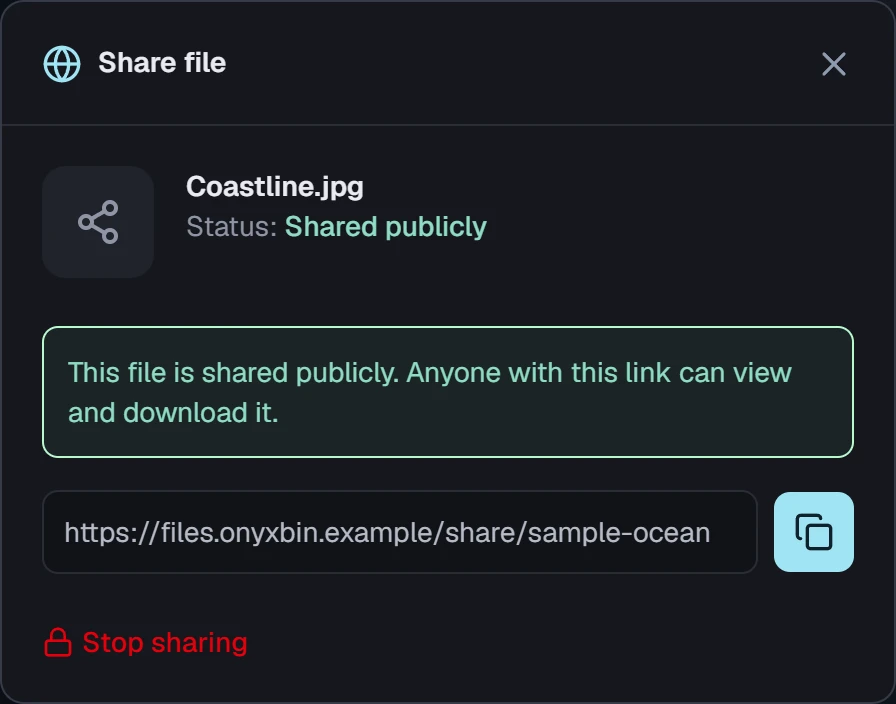
A link is all it takes.
Share a file. Hand off a whole folder.
Keep control of who has the link.
Your tools are welcome.
An S3-compatible API for your scripts,
backups, and existing workflows.
# Your storage. A familiar interface.
aws --endpoint-url \
  https://s3.your-domain.example \
  s3 ls
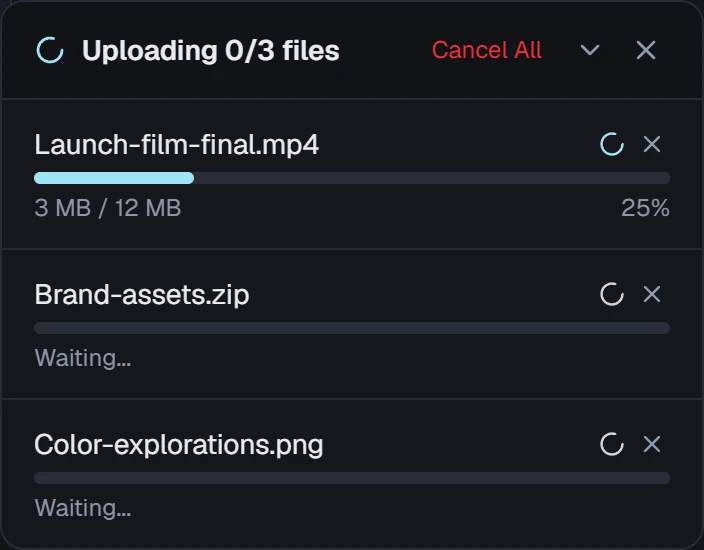
Big ideas. Handled in pieces.
Chunked transfers with progress, retry,
and the details you need along the way.
The cloud, on your terms.
Your server, your bot, your private channel.
A personal workspace you can make your own.
S3-compatible.
Ready for your workflow.
The same files you organize by hand, available to your scripts.
Connect an S3 client to your instance with its own access key.
aws --profile onyxbin \
  --endpoint-url https://s3.your-domain.example \
  s3 cp ./launch-film.mp4 s3://studio/films/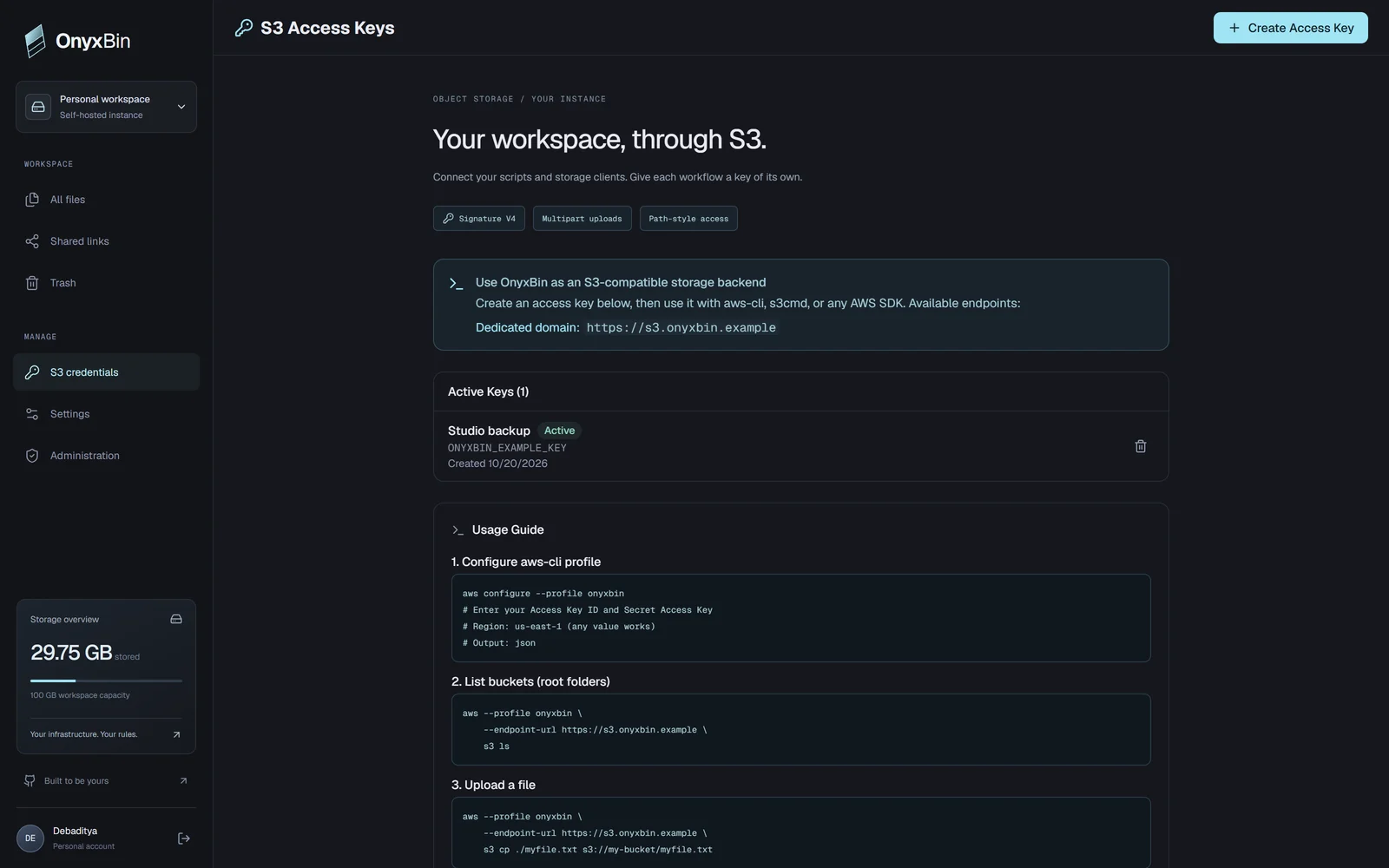
Buckets & objects
Create buckets, list with prefixes, upload, download, copy, and delete.
Multipart uploads
Initiate, upload parts, inspect, complete, or abort larger transfers.
Links & access
Presigned requests and optional public bucket reads, with listing controlled separately.
Common S3 object operations are implemented. See the compatibility guide for scope and client settings.
The controls that
make it your instance.
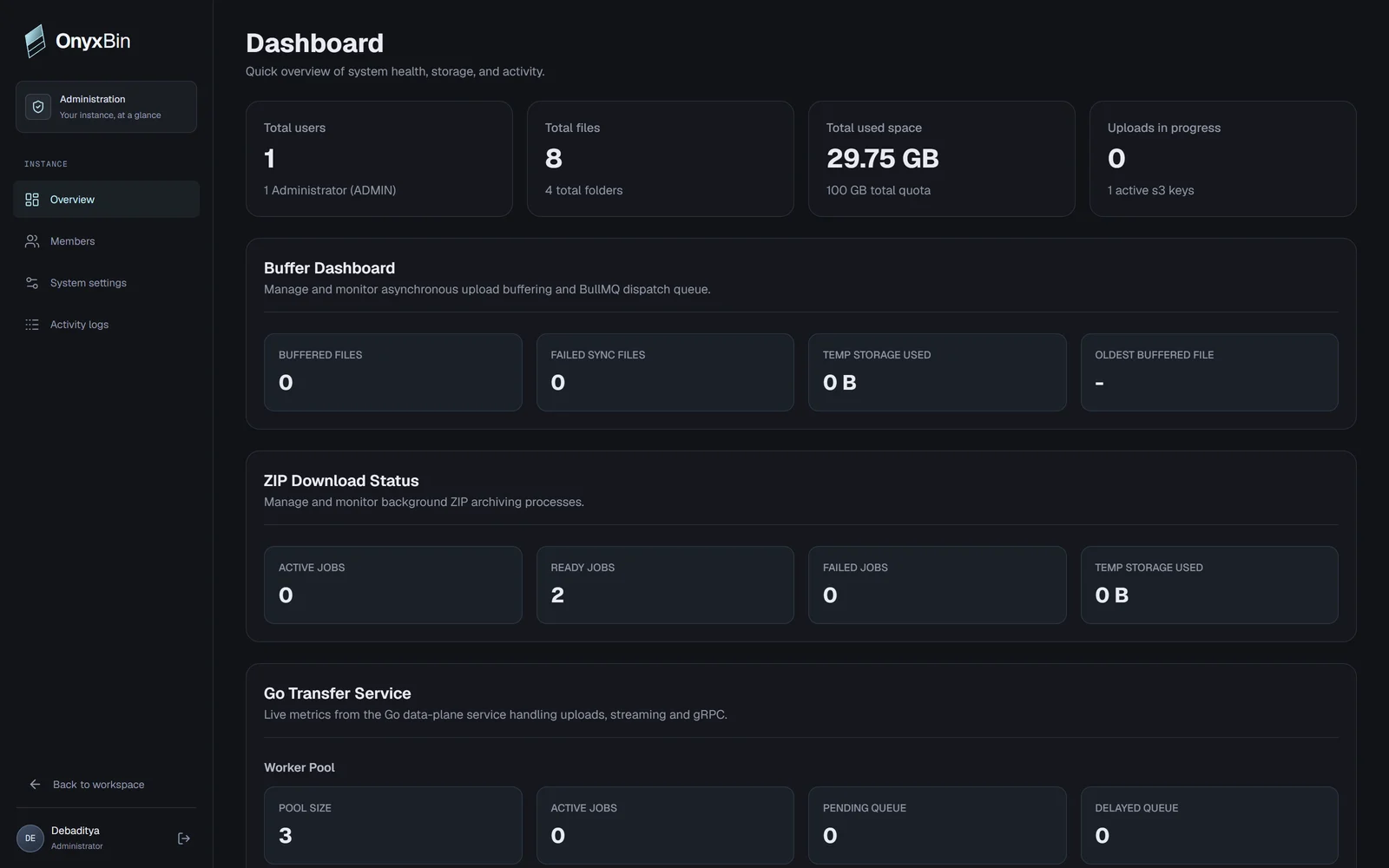
Manage the people, capacity, and services behind your files.
Space with boundaries.
Set account storage quotas and daily bandwidth limits. See usage before adjusting capacity.
Access on your terms.
Manage users and roles, control registration, and give each workflow its own S3 credentials.
A view behind the scenes.
Inspect transfer workers, buffered uploads, ZIP jobs, service connections, and application logs.
A second chance for files.
Restore files and folders from trash within seven days. Download whole folders as ZIP archives.
A little setup.
A lot more yours.
Bring your own infrastructure.
OnyxBin brings the workspace.
Get your copy
Clone the project and make it your own.
Give your files a destination
Create a Telegram bot and add it to your private storage channel or group. Configure its credentials on your server.
Start your workspace
Configure the environment, start the Docker services, and open your own OnyxBin instance.
Read the setup instructionsA few things
you might be wondering.
The practical side of your personal cloud.
OnyxBin runs on your own server. Follow the self-hosting guide to deploy your instance with Docker Compose, then connect your Telegram bot and private storage channel.
Your server uses a Telegram bot to store file chunks in a private channel or group you control. The application keeps file metadata separately and assembles chunks for downloads and previews.
OnyxBin uses a bot token and a private storage destination. Configure them on your server; your credentials stay in your instance configuration. No personal Telegram account login is required.
Limits depend on your instance configuration and the Telegram Bot API mode you use. Chunking handles larger files, while quotas, bandwidth controls, rate limits, and Telegram availability still apply.
Yes. OnyxBin includes an S3-compatible API and credential management for common object operations. Consult the repository documentation for supported operations and client configuration.